
ABB brings robot programming to your tablet, with safety hardware attached
ABB’s E-Device gives compatible Windows tablets and PCs access to OmniCore robot controls. The launch separates the screen from dedicated safety hardware and raises a practical question: how much of robot commissioning can become easier without changing the workcell?
 By Rodolfo Garcia Calderoni, CFA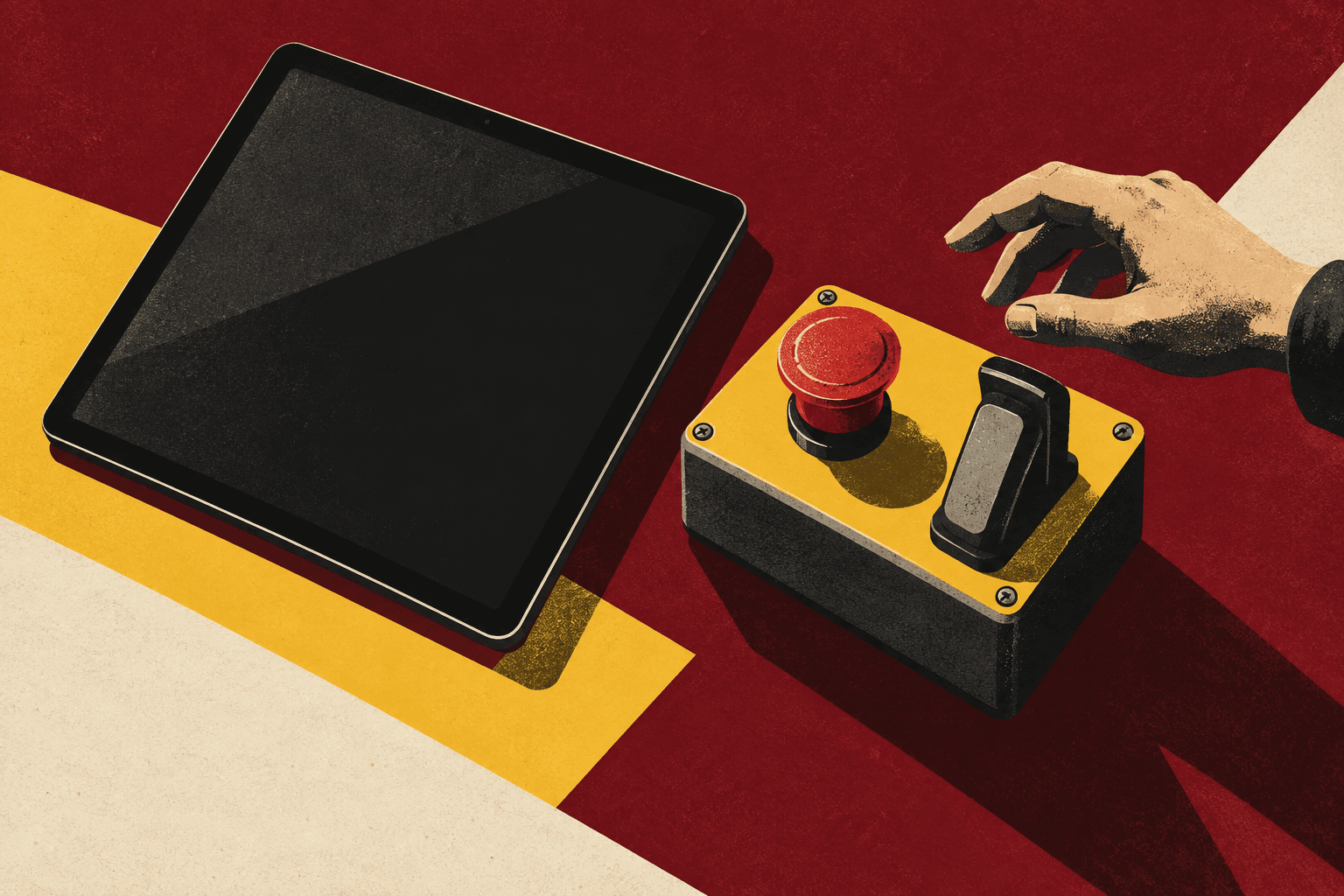
At a glance
- ABB announced E-Device on September 21 as an additional interaction option for OmniCore robots and cobots.
- A compatible Windows tablet or PC provides the interface; dedicated hardware provides physical manual-operation safety controls.
- The opportunity is easier commissioning and operation. Actual savings, compatibility details and complete application validation still need checking.
The screen becomes a choice
ABB Robotics has introduced E-Device, a hardware interface that allows customers to operate, program and monitor OmniCore robots and cobots using their own tablet or PC.
Announced on September 21, the product keeps dedicated physical safety controls alongside the customer device. ABB says it includes an emergency stop and a three-position enabling switch, and describes the device as compliant with ISO 10218:2025 and CE and UL certified. Those are manufacturer statements, not an independent assessment by Black Scarab.
The news is a change in how people interact with an industrial robot. It is not a new robot, an autonomous programming system or permission to replace physical safety functions with buttons on a consumer screen. The interesting move is to make the display more flexible while keeping the safety interface a distinct part of the installation.
A familiar interface across different devices
The relevant software is OmniCore User Interface, ABB’s common environment for robot programming and operation. Its product page specifies compatible Windows tablets and PCs, a qualification worth keeping when reading broader claims about using your own device.
ABB presents E-Device as complementary to its industrial FlexPendant. The latter retains its integrated joystick, hard keys and rugged design. The product FAQ says users cannot connect both options to the same controller at the same time. Device switching must follow the approved installation procedure.
That creates a choice about the operator’s working environment rather than a universal replacement rule. An industrial control device may remain the better fit for a difficult shop floor. A compatible computer may be attractive where a larger screen, familiar input method or shared engineering workstation is useful. The right comparison includes the work people perform and the environment in which they perform it.
Black Scarab Weekly
Follow the physical AI economy
Get Black Scarab news, deep research, and practical analysis in one clear Thursday briefing.
Custom screens are already part of the stack
E-Device sits alongside software ABB already offers for customizing the operator experience. AppStudio is a downloadable interface designer built around drag-and-drop components. It integrates with RobotStudio and supports JavaScript extensions for more advanced interface elements.
An operator interface is different from the robot program underneath it. A clear screen can expose the few commands relevant to a task, show status and guide an operator through a sequence. It does not automatically establish that the motion, tooling, process logic or recovery behavior is correct.
For an integrator, the useful possibility is reuse. A consistent application screen can carry a familiar vocabulary across installations while retaining the configuration specific to each machine. That is an analytical implication of the interface approach, not evidence that a particular customer has achieved a measured reduction in training or errors.
ABB advertises substantial setup-time reductions for AppStudio. Such figures belong to that product’s claims and should not be transferred to E-Device as if they were results from the new hardware. A buyer needs the basis, task and comparison behind any percentage before putting it into a business case.
Simulation remains engineering work
RobotStudio supplies another part of the workflow: offline robot programming and simulation using ABB’s virtual controller. Its suite describes path planning, layout and collision analysis, motion and signal analysis, and collaboration. These tools let an engineering team develop a program without using the production machine as its only testing environment.
That workflow matters because a screen is only the visible end of a commissioning process. A program that looks right digitally still has to work with the real tooling, parts, fixtures, sensors and operating conditions. The interface can make the transfer and subsequent interaction more convenient; it cannot make missing process information disappear.
Consider a hypothetical machine-tending installation. Before a robot loads a part, the team still needs to confirm its presentation, gripping behavior, machine handshake and response to an interrupted cycle. Giving the engineer a familiar PC screen may make investigation easier. It does not resolve those questions by itself.
The practical opportunity is therefore reducing friction around the engineering workflow, not claiming that commissioning has become a consumer app installation.
The evidence to ask for
The launch announcement does not publish an E-Device price, a quantified customer result or an independently measured commissioning-time improvement. ABB’s faster-deployment and lower-training claims are a direction of benefit, not enough information to calculate savings for a specific facility.
A useful demonstration would show the same defined task before and after the change. How long does an operator take to identify a fault, recover safely, change an approved setting or move between supported installations? What training is still necessary? Does the interface reduce mistakes as well as clicks?
Device support also deserves a concrete answer. Buyers should obtain the supported hardware and software configuration, the approved switching procedure and the conditions for support. A familiar operating system does not establish that every laptop or tablet is appropriate for an industrial installation.
For purchasing, compare the whole arrangement rather than the display alone: interface hardware, compatible device, required software, configuration effort, support and replacement arrangements. Black Scarab has not verified commercial terms or field reliability for the new product.
What to watch next
The strongest next evidence would be a named deployment with a defined commissioning or operation problem, a clear baseline and a measured result. That would show whether more flexible device choice removes meaningful work or mainly changes the presentation of work that remains.
A second signal is how integrators use the common interface. Reusable task screens, clear recovery paths and consistent terminology could be more consequential than the freedom to select a tablet. The value would come from well-designed workflows applied repeatedly.
ABB’s announcement addresses an ordinary but persistent problem in automation: people still have to set up, understand and operate increasingly capable machines. Making that interaction easier is useful. The test is whether the new interface delivers clearer work, faster commissioning and reliable operation in an actual installation.
Sources and further reading
About the author
Rodolfo Garcia Calderoni, CFA
Rodolfo is the founder of Black Scarab, where he covers the technologies and commercial signals shaping physical AI adoption.
Meet Rodolfo